Anki is a free flashcard app. It shows you each word again just before you forget it. Follow these steps once and you are set for the whole course. It takes about 10 minutes.
Six small stops. Do them in this order.
Start here, even if you plan to study on your phone. The setup is easier on a big screen. In each picture, the yellow ring shows you where to click.
Go to apps.ankiweb.net and press Download. Pick Windows or Mac. Open the file you downloaded and install it like any other app.
Anki is free on computers. You can read more about it at ankiweb.net/about.
Log in to busybutfluent.com and open the Business English Masterclass. Find the section called Course Material and open the lesson The Flashcards.
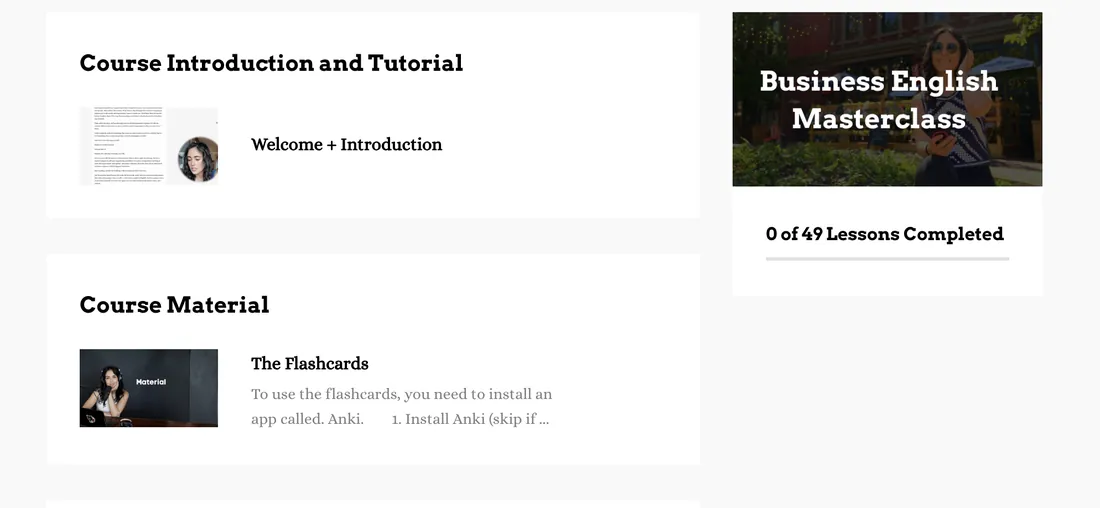
On the lesson page, look for Downloads on the right side. Click BEM_Anki_flashcards.
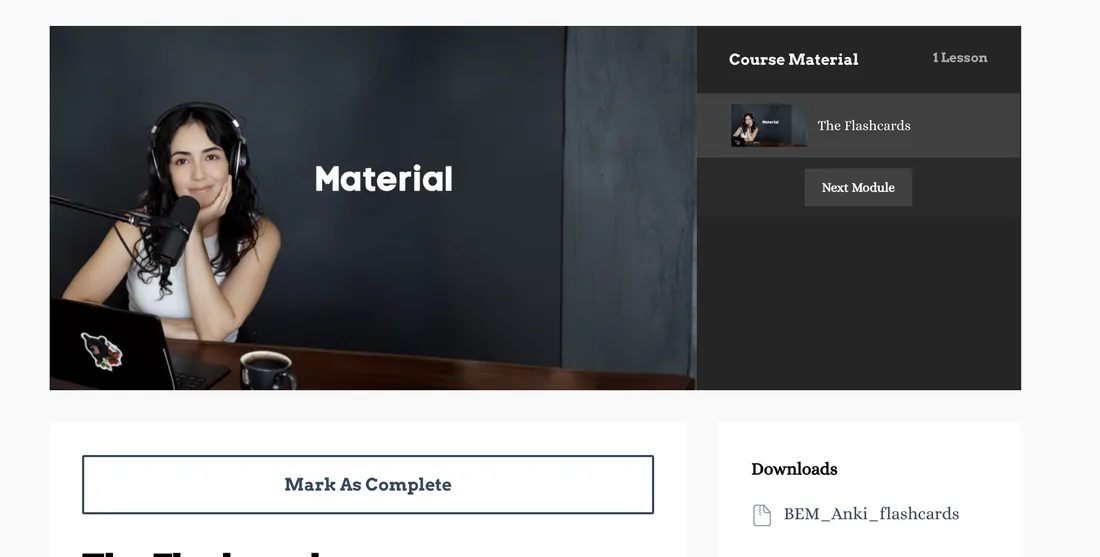
You now have one file called BEM_Anki_flashcards.zip. A zip file is like a closed suitcase. Many files are packed inside, and you need to open it first.
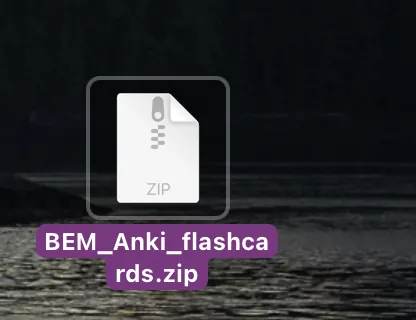
A new folder appears. Inside it you see files named BEM1, BEM2, BEM3 and so on. Each file is one set of flashcards.
Open Anki. At the bottom of the window, press Import File.
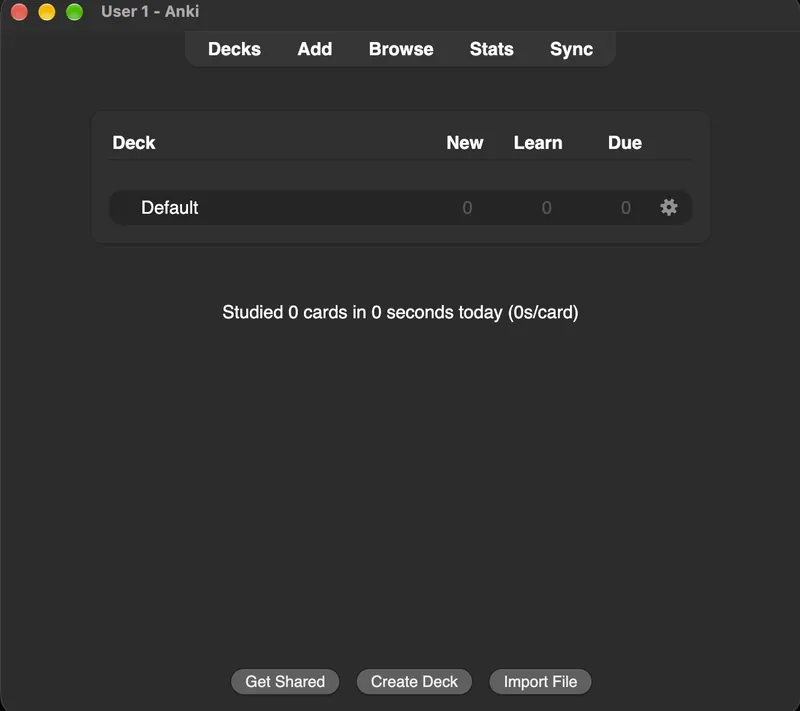
Find your new folder, click BEM1.apkg, then press Open.
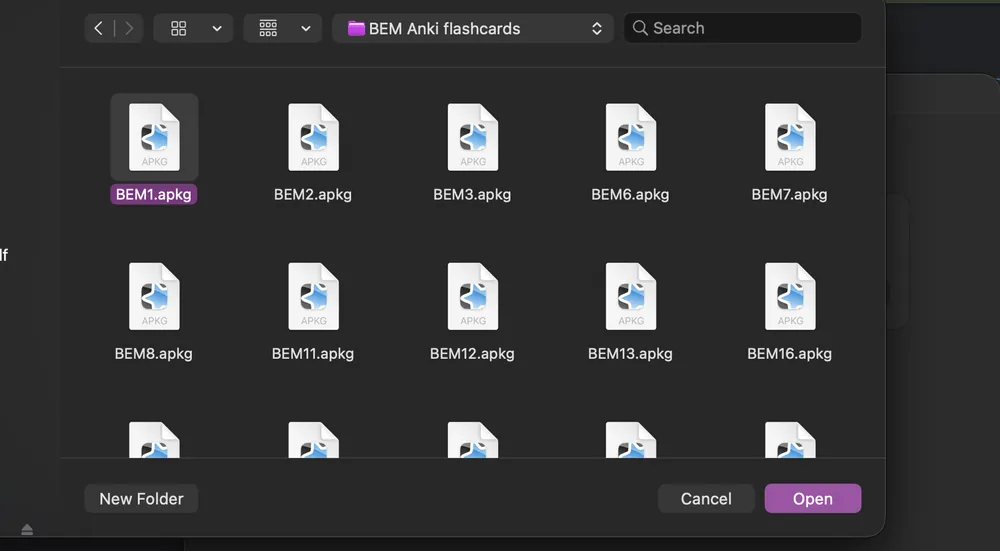
Anki shows a page called Import options. You do not need to change anything. Press the blue Import button at the top right.
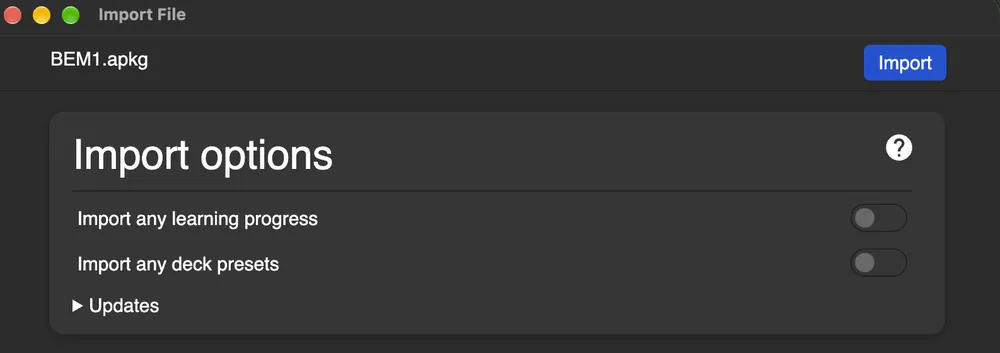
Next you see an Overview page with a long list. It only tells you the import worked. Close this window to go back to your decks.
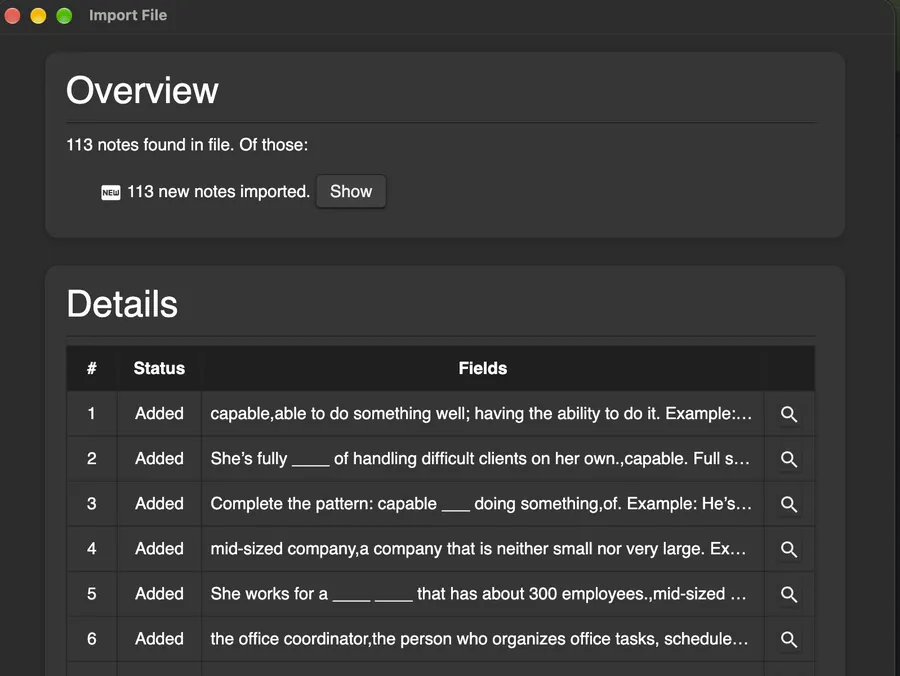
A group of flashcards is called a deck. You now see a deck called Business English Masterclass. Click the deck name.
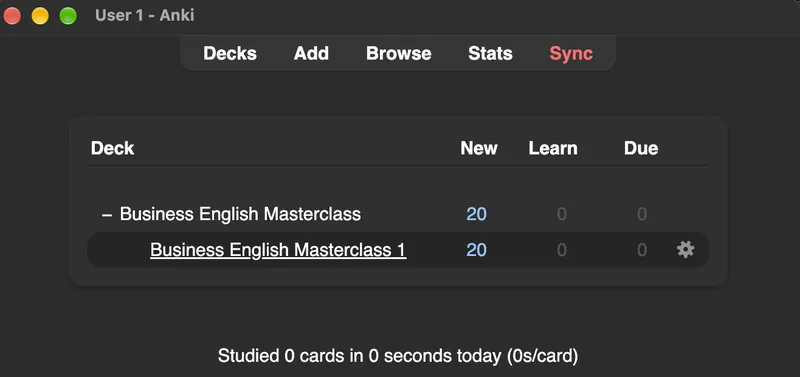
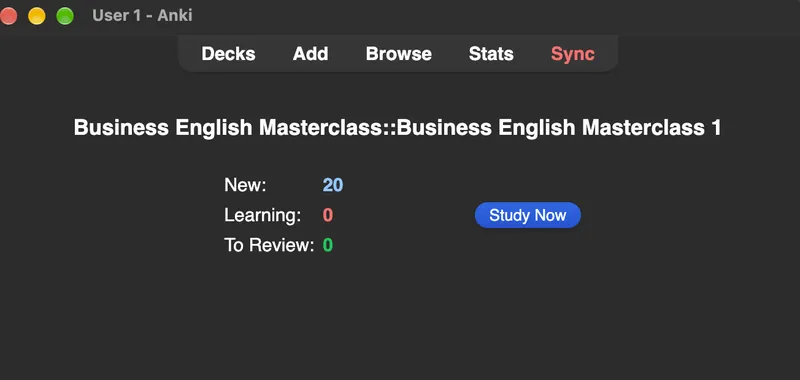
Press Study Now.
Sync means "make all my devices match". It saves your cards online so your phone can get them. It is also a free backup.
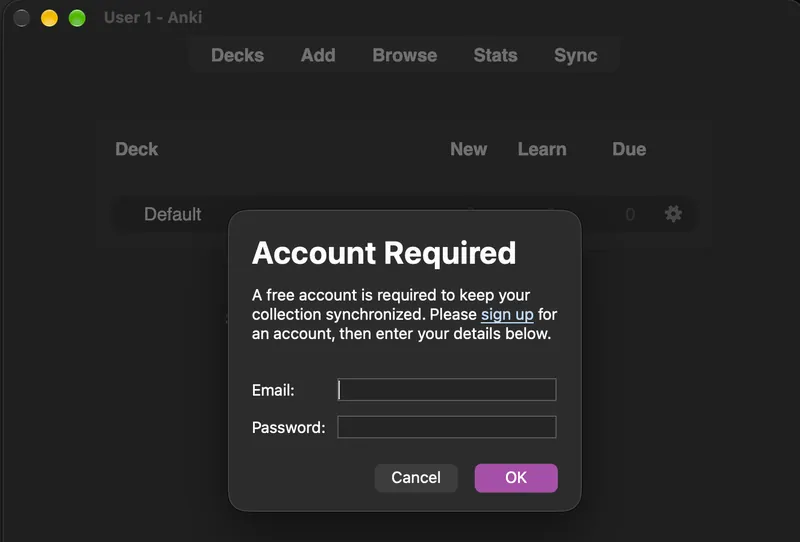
Press Sync at the top of Anki. The first time, Anki asks for an account. Click sign up, make a free account with your email, and confirm it from your inbox. Then type the same email and password into Anki and press OK.
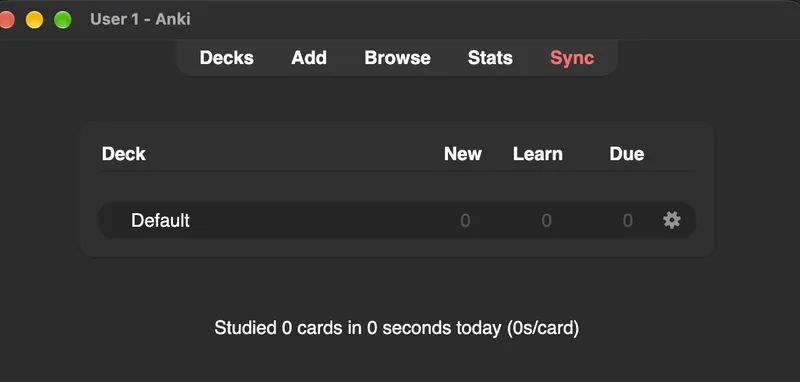
When the word Sync turns red, Anki has new changes that are not saved online yet. Press it again.
Your phone is perfect for short practice: on the bus, in a line, on a coffee break. The pictures below are from an iPhone. Android looks a little different, but the steps are the same.
Free on Google Play.
A paid app on the App Store. You pay once. Check the current price in the store.
There are two ways. Pick the one that fits you.
This is the easy way. Your cards are already saved online, so your phone only needs to collect them.
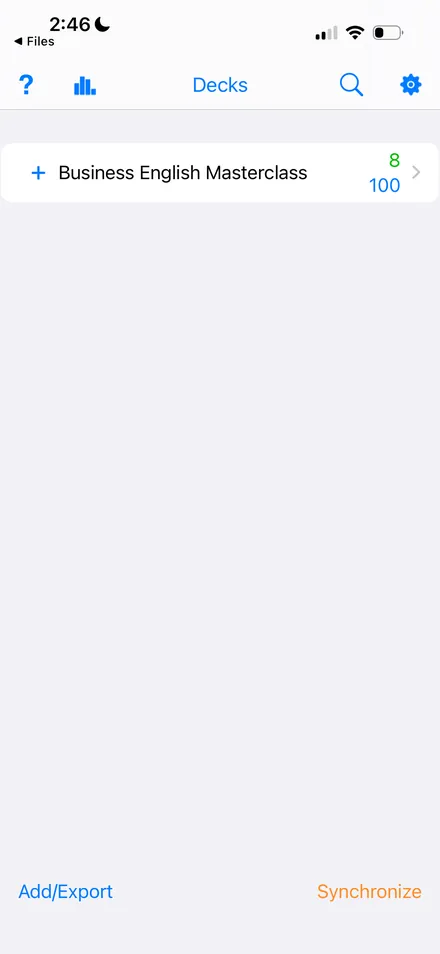
You can do every step on your phone. Open busybutfluent.com in your browser and log in to the course. Open The Flashcards lesson, scroll down to Downloads, and tap BEM_Anki_flashcards.
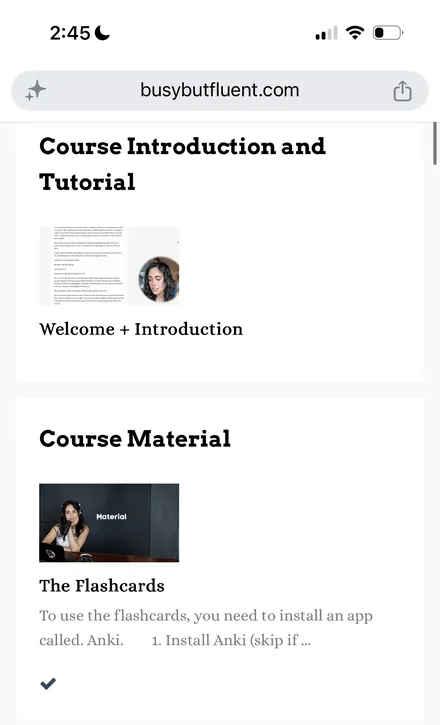
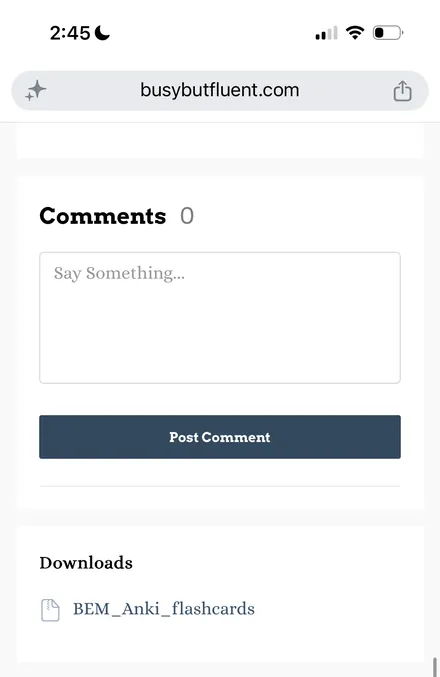
Now open the Files app on your phone and find the zip file. Tap it once. Your phone unzips it and makes a folder next to it. Tap the folder to open it.
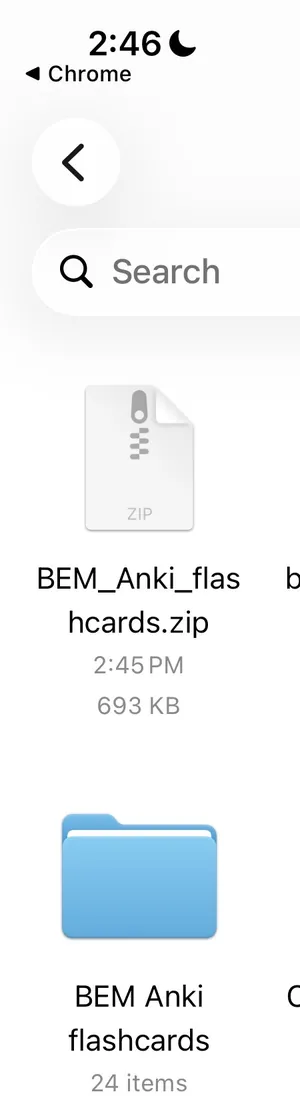
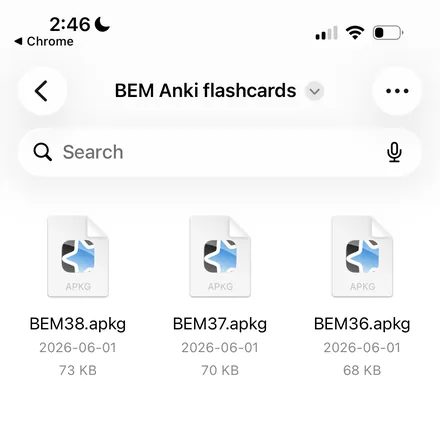
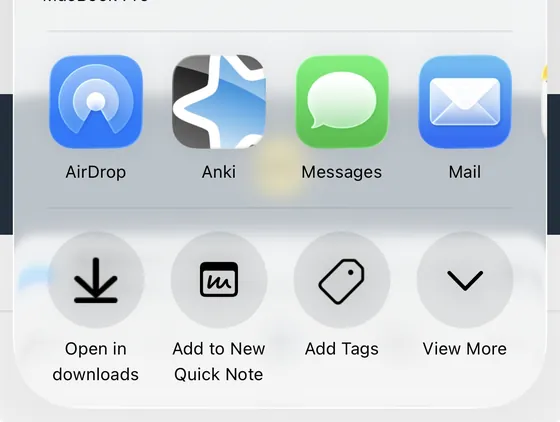
Tap BEM1.apkg. If your phone asks which app to use, choose Anki.
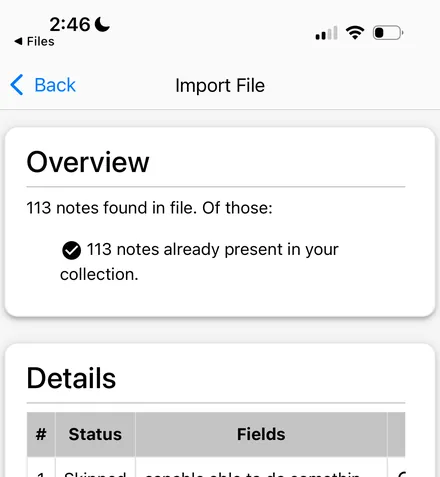
Anki opens an Import page. Tap the blue Import button, the same as on a computer. Then you see the Overview page. Tap Back to see your deck.
Tap Business English Masterclass. Read the card and say your answer out loud. Then tap anywhere on the screen to see the answer, and choose one of the four buttons.
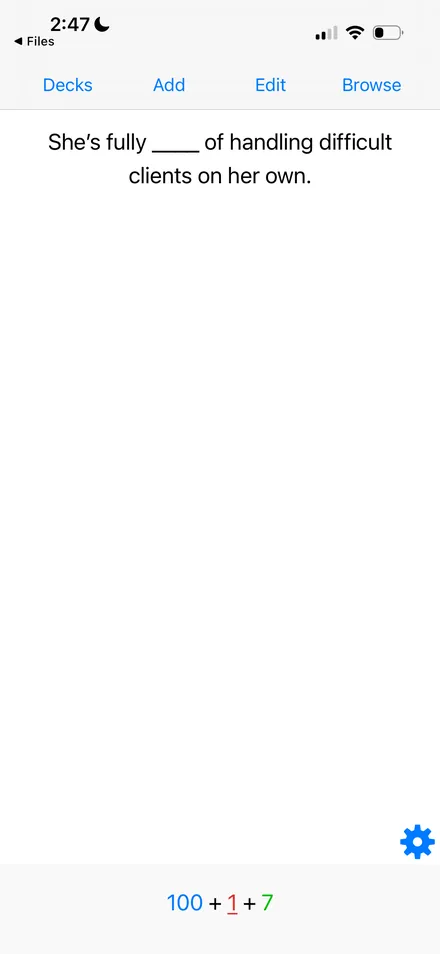
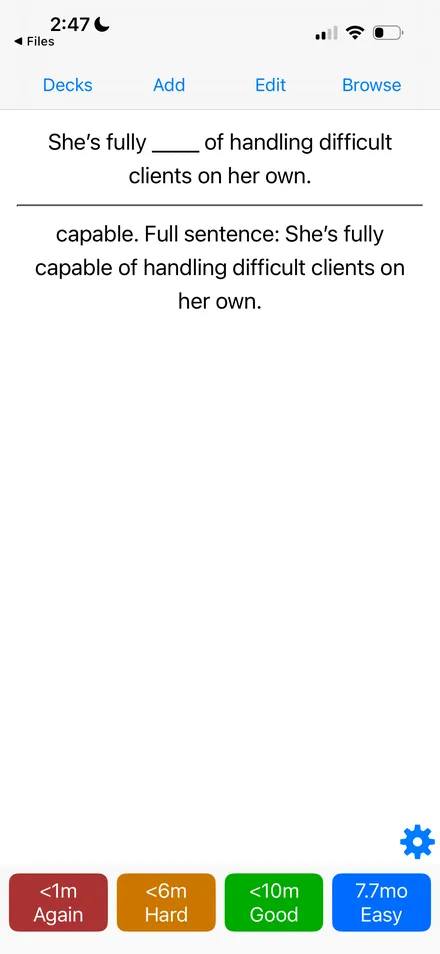
The three small numbers at the bottom show what is left today: blue for new cards, red for cards you are learning, green for cards to review.
Tap Synchronize at the end of each session. One simple rule keeps everything safe: sync when you finish on one device, and sync before you start on another.
Inside each deck you meet three kinds of cards.
Every card works the same way. Read the front. Say your answer out loud. Then press Show Answer.
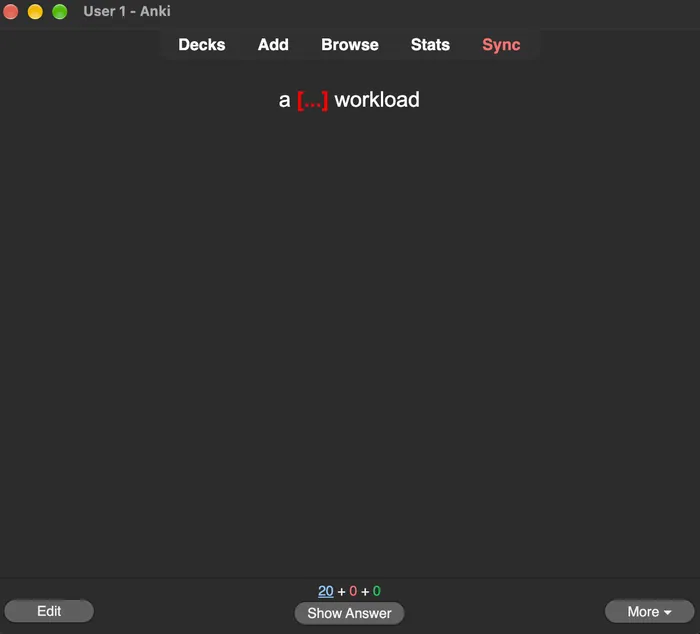
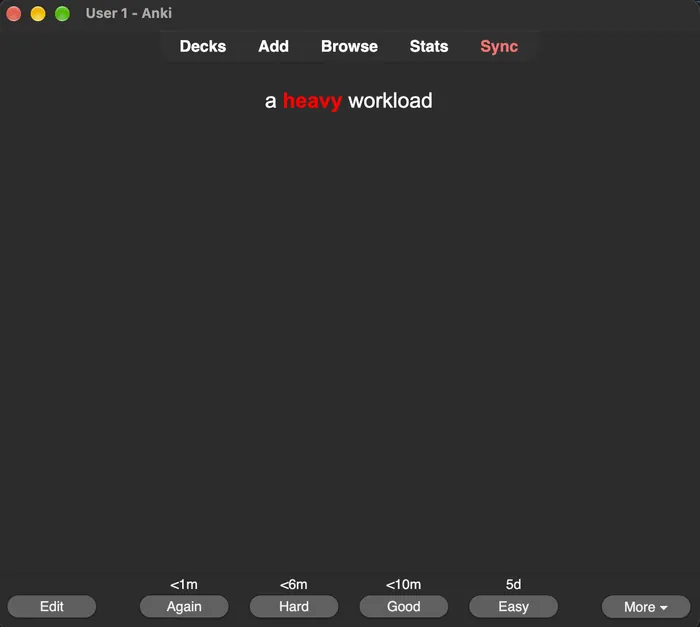
Be honest. Nobody sees your answers. Your choice tells Anki when to show the card again. The small time above each button is how long the card will rest.
You did not know it.
Comes back in about a minute.You knew it, but it took effort.
Comes back a little sooner than usual.You knew it. Use this one most of the time.
Comes back at the normal time.Too easy. You answered right away.
Comes back in a few days.Tap the card to see the answer. Then choose a button and watch what Anki decides.
Your brain is like a garden. A new word is a tiny plant. If you do not water it, it dries out in a day or two. If you water it at the right moment, it grows stronger. A strong plant needs water less often. After a while, it only needs water once a month.
Anki is the gardener. It remembers every card for you and brings each one back just before you forget it. Hard cards come back soon. Easy cards take a long rest. This method is called spaced repetition.
This is a simple picture, not exact numbers. The idea is real, though.
Close the Overview window. Your deck is behind it, on the main Anki screen.
Well done. You finished today's cards. New ones appear tomorrow. This limit protects you from doing too much at once.
Press Sync on your computer first. Then tap Sync on your phone. Make sure both use the same email and password.
Choose the device that has your newest study work. If your cards are on the computer and the phone is new, choose Download on the phone.
Install Anki first. Then use Import File inside Anki instead of double-clicking the file.